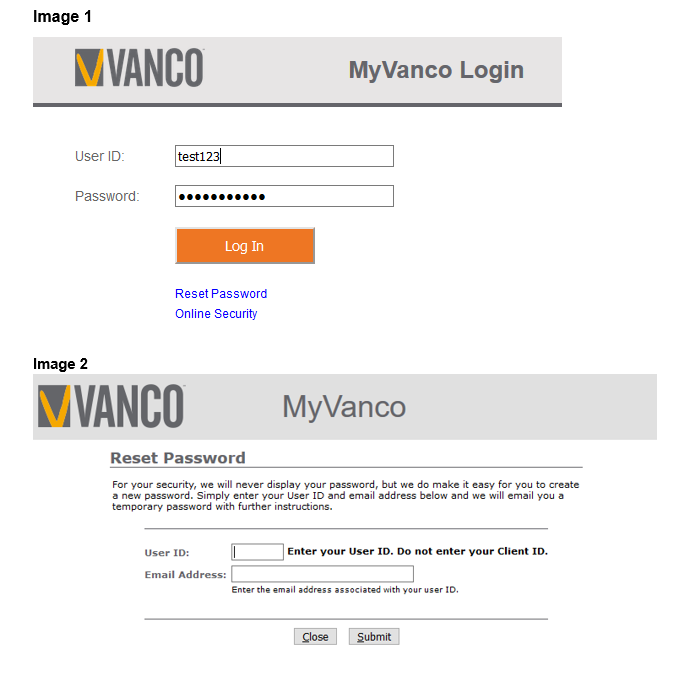
- Go to the MyVanco Login screen (myvanco.vancopayments.com) and click Reset Password (Image 1).
- On the Reset Password screen (Image 2), enter your User ID and Email Address, and then click Submit.
Vanco sends a temporary password to the email address you provided. Please check your junk mail folder if you do not receive the email.
- Enter your User ID and temporary password on the MyVanco Login screen and click Log In. Once confirmed, you will be prompted to create a new password.